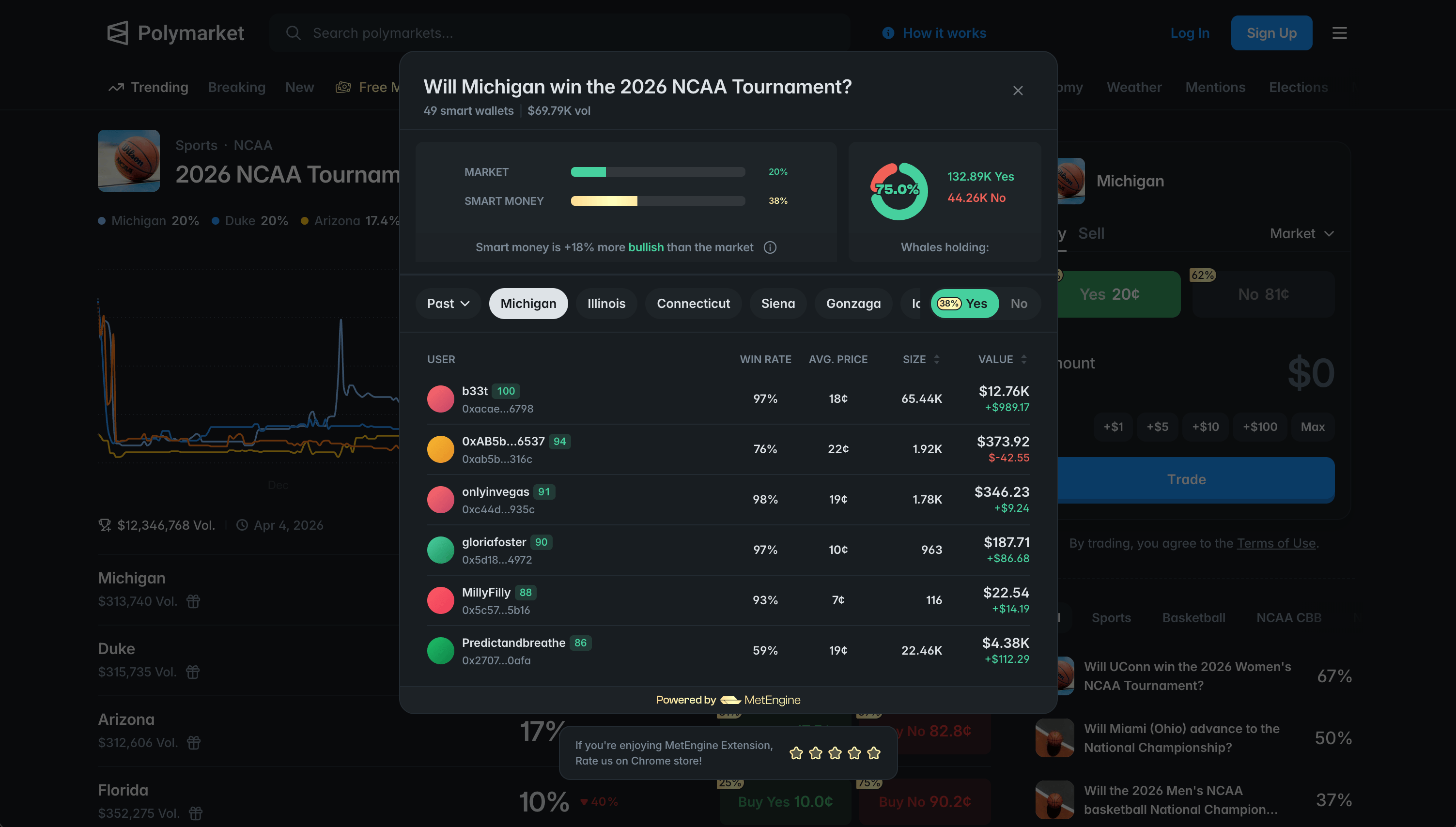
The extension adds intelligence to every Polymarket page. You see where profitable wallets are positioned, which markets have yield, which outcomes are mispriced, whether leaders might flip, and which traders are worth following.
Find Markets That Pay You to Wait
The Free Money tab appears alongside Polymarket’s navigation. It surfaces bonding markets at 90%+ probability where yield is still available, sorted by return and updated in real time. You can also surface insider markets from this tab to spot opportunities with unusual wallet activity.
Buy Underpriced Markets Before They Reprice
The Free Money tab also surfaces underpriced markets where the outcome is effectively decided but the price hasn’t caught up because liquidity or activity is thin. Buy at a discount before the market reprices.
See Which Side Smart Money Is On
Requires Prediction Market package.
React to Smart Money Trades as They Happen
Requires Prediction Market package.
Track the Live Index a Market Resolves Against
Requires Prediction Market package.
Check if an Outcome Might Flip
Requires Prediction Market package.
Check How Whales Are Positioned
Requires Prediction Market package.
Spot Potential Insider Activity
Requires Prediction Market package.
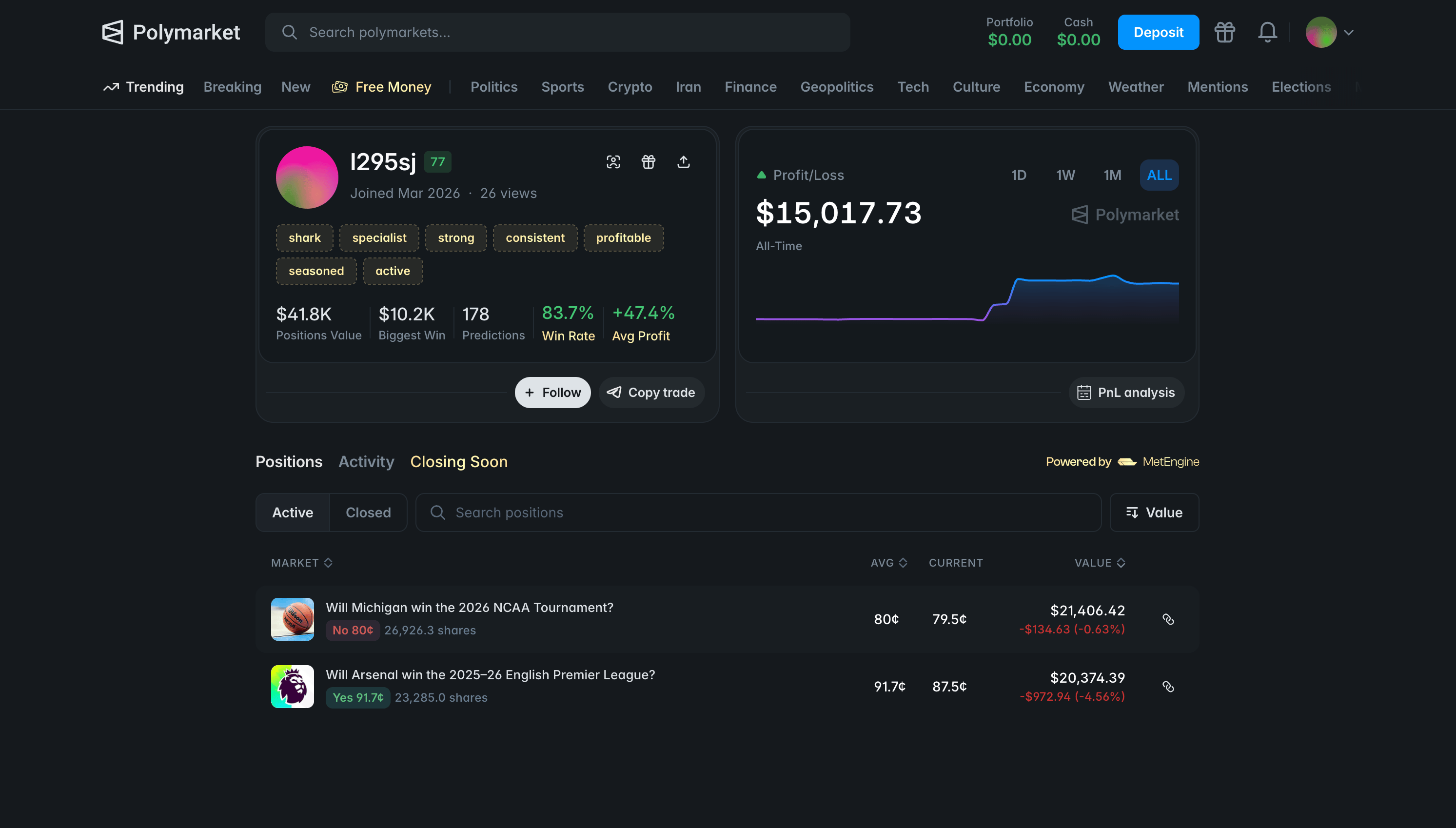
Evaluate Any Trader Before You Follow
Requires Prediction Market package.
Copy a Trader’s Positions
Below every profile card and inside the PnL Calendar modal, a copy trade button redirects you to Polybot on Telegram where you can set up position copying for that wallet. Polybot handles the execution from there.
See a Trader’s Active Positions
A tab on Polymarket profile pages showing any wallet’s open positions sorted by closing date.
Find Profitable LP Markets on Rewards
Requires Prediction Market package.
See Live Temperature on Weather Markets
Golden badges show the current temperature beside weather market questions and in the rows of upcoming weather markets. On weather market detail pages, a temperature chart tracks how live conditions are trending so you can judge which direction the market is heading before placing a bet.