

What You’ll Unlock
- Instant LP positions from any Telegram chat
- Copy trade smart wallets with millisecond precision
- Self-custodial wallet you fully control
- Real-time position monitoring and alerts
Access the Bot
Open the MetEngine bot to get started:Launch MetEngine Bot
Open @met_engine_bot in Telegram
/start to initialize your trading account.
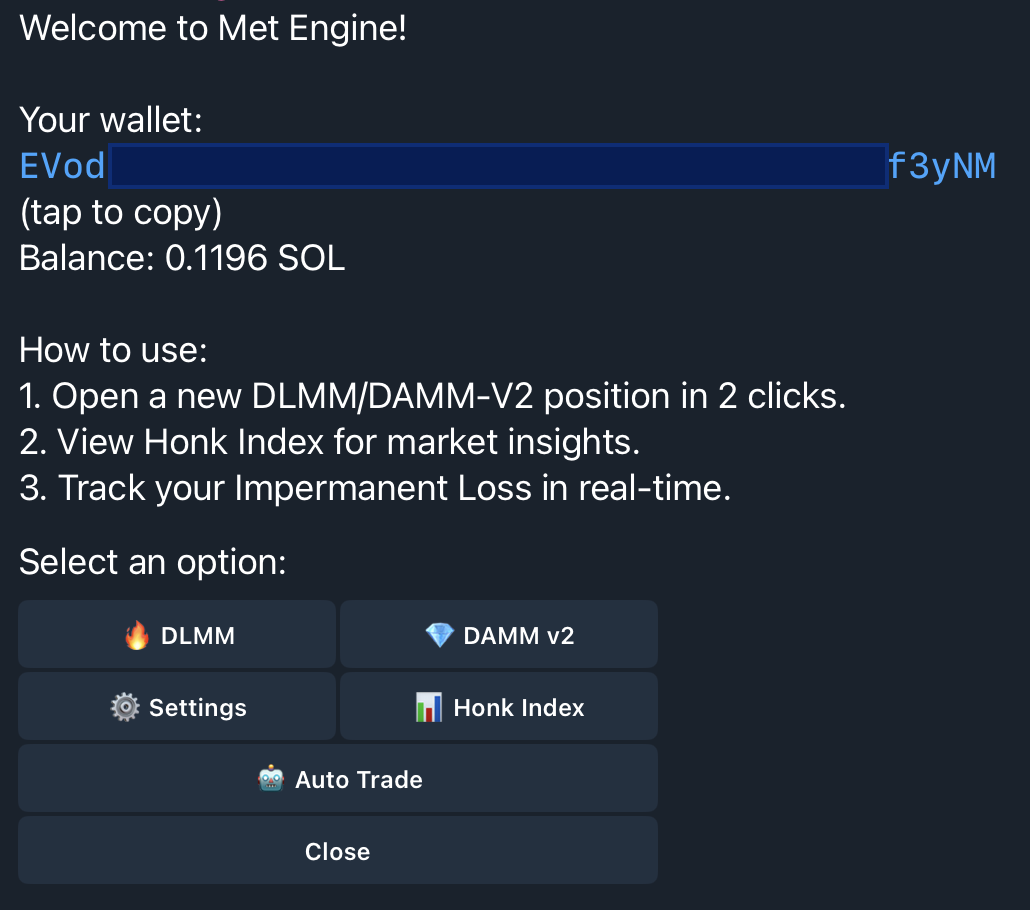
Your Telegram Wallet
When you first interact with the bot, it automatically creates a secure trading wallet. This wallet is:- Self-custodial: You own the private keys
- Exportable: Transfer to any Solana wallet anytime
- Ready instantly: No signup, no email, no KYC
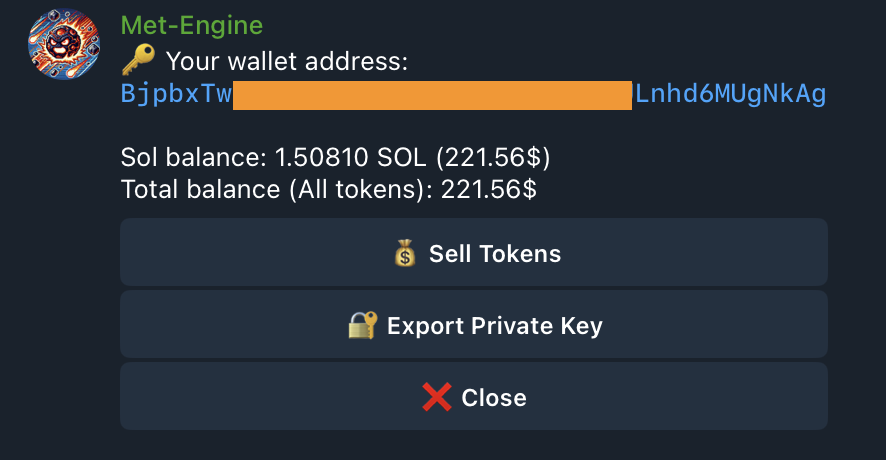
Fund Your Wallet
Send SOL to your wallet address to start trading. You’ll need:- Minimum 0.2 SOL to open positions
- Extra buffer for transaction fees (0.01-0.02 SOL)
Main Commands
Export Your Private Key
Your wallet is fully self-custodial. To export your private key:- Tap Wallet from the main menu
- Tap Export Private Key
- Store it securely—this key controls your funds
Start Trading
Your Telegram wallet is set up. Open your first position or set up copy trading.Open a Position
One-click LP from Telegram
Auto Trade
Copy smart wallets automatically