

What You’ll Unlock
- Instant LP from any token address
- Auto-selection of the best-performing pool
- Real-time position monitoring with PnL tracking
- One-tap fee claiming and position closing
Open a Position
Use the/open command or tap Open Position from the main menu.
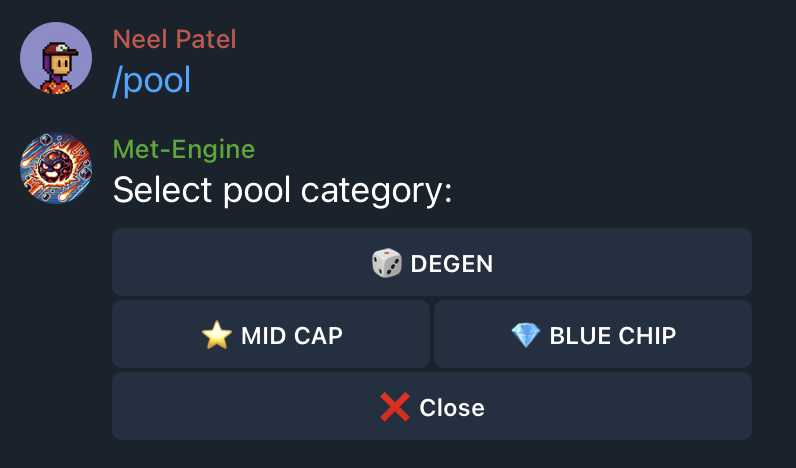
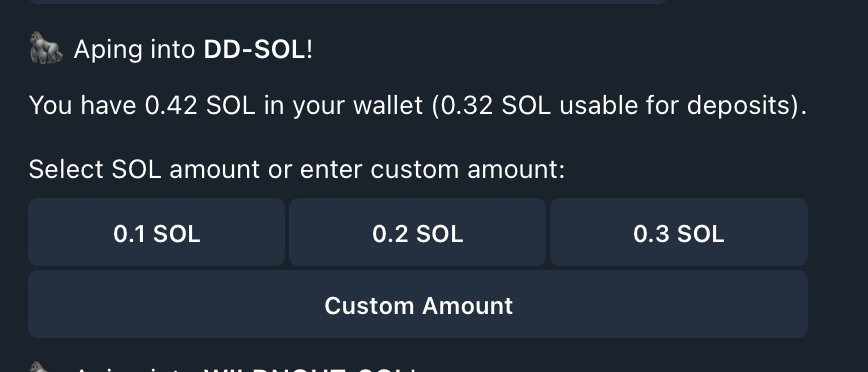
Enter Token Details
- Paste the contract address of the token you want to LP
- Enter SOL amount to deposit (minimum 0.2 SOL)
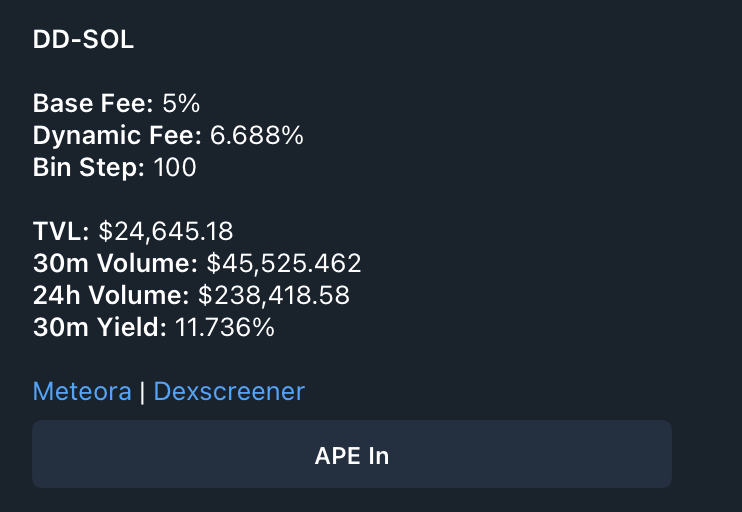
Confirm Your Position
Review the pool details:- 24h Volume: Trading activity driving your fees
- 24h Fees: What LPs earned in the last day
- Current Price: Token price in SOL
Monitor Your Positions
Use/dlmm_positions to view all active positions. Each position shows:
- Deposit value: Your initial investment
- Fees earned: Unclaimed trading fees
- Impermanent loss: Unrealized IL from price movement
- Current bins: Visual representation of your liquidity range
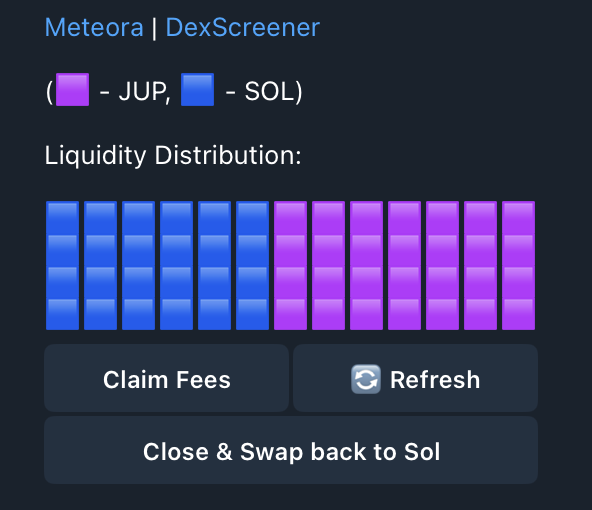
Understanding the Visualization
The bin display shows where your liquidity sits:- Filled bins: Your active liquidity earning fees
- Empty bins: Outside your range, not earning
- Current price marker: Where trading is happening now
Claim Fees
Earned fees accrue in real-time. To claim:- Open
/dlmm_positions - Select your position
- Tap Claim Fees
Close a Position
Ready to exit? From your position details:- Tap Close Position
- Confirm the withdrawal
- Tokens return to your wallet
Advance Features
The Telegram bot uses a balanced strategy by default. For advanced configuration — custom ranges, bid-ask strategies, or volatility plays — use our terminal.Choose Your Strategy
Configure custom ranges and strategies on the terminal